5 Steps to Secure Your Home Network

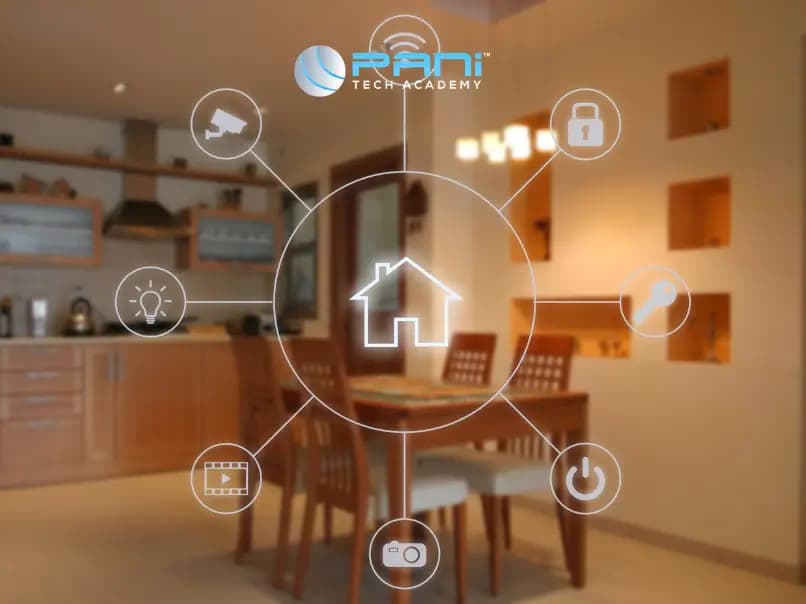
In the age of interconnected devices and smart homes, ensuring the security of your home network is paramount. From personal data to connected devices, your digital haven requires robust protection against potential threats. In this blog, we'll explore five crucial steps to fortify your home network and keep cyber threats at bay.
1. Update and Secure Your Router:
Regular Firmware Updates:
Keeping your router's firmware up to date is fundamental to network security. Manufacturers release updates to patch vulnerabilities and enhance overall security. Routinely check for firmware updates and install them promptly.
Change Default Credentials:
Most routers come with default usernames and passwords, often known to hackers. Change these credentials to unique, strong combinations to prevent unauthorized access. Also, disable remote management unless absolutely necessary.
2. Set Up a Strong Network Encryption:
WPA3 Encryption:
Ensure your Wi-Fi network uses the latest encryption standard, WPA3. It offers stronger protection against brute-force attacks and enhances the overall security of your wireless network. If WPA3 is not available, WPA2 is the next best option.
Unique Wi-Fi Passwords:
Create a complex and unique password for your Wi-Fi network. Avoid using easily guessable information like your name or address. A strong password is a crucial defense against unauthorized access.
3. Create a Guest Network:
Isolate Guest Devices:
Many routers allow you to set up a separate guest network. This network is isolated from your main network, providing a layer of security. Guests can enjoy internet access without gaining access to your private devices and files.
Regularly Update Guest Network Passwords:
If you frequently have guests, periodically change the password for the guest network. This practice ensures that past guests, who might still have the old password, can't access your network without your knowledge.
4. Implement Network Segmentation:
Separate IoT Devices:
Internet of Things (IoT) devices can be vulnerable entry points for hackers. Segment these devices onto a separate network if your router supports VLAN (Virtual Local Area Network) configuration. This way, even if one device is compromised, it doesn't automatically jeopardize the entire network.
Use Subnets:
For advanced users, setting up subnets allows you to divide your network into smaller, isolated sections. This adds an extra layer of security, especially if you have devices with varying security needs.
5. Install and Update Security Software:
Antivirus and Anti-malware Protection:
Install reputable antivirus and anti-malware software on all your devices. Regularly update these programs to ensure they can detect and mitigate the latest threats effectively.
Firewall Protection:
Enable the firewall on your router and individual devices. A firewall acts as a barrier between your network and potential threats, monitoring and controlling incoming and outgoing traffic.
Conclusion: A Fortified Digital Fortress
Securing your home network is an ongoing process that requires vigilance and proactive measures. By following these five steps, you'll create a robust defense against cyber threats. Regularly review and update your security protocols to stay ahead of evolving threats. Remember, a well-protected home network not only safeguards your personal data but also ensures a safer digital environment for all connected devices. In the ever-evolving landscape of cybersecurity, an informed and proactive approach is your best defense.